
How do I install Bukkit Plugins?
To install bukkit plugins, follow these very simple steps.
- Log into Multicraft
- Open up your server.
- Ensure that your server is on "Stop" or "Offline".
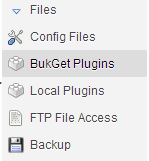
- Click the dropdown "Files" and go to "BukGet Plugins".
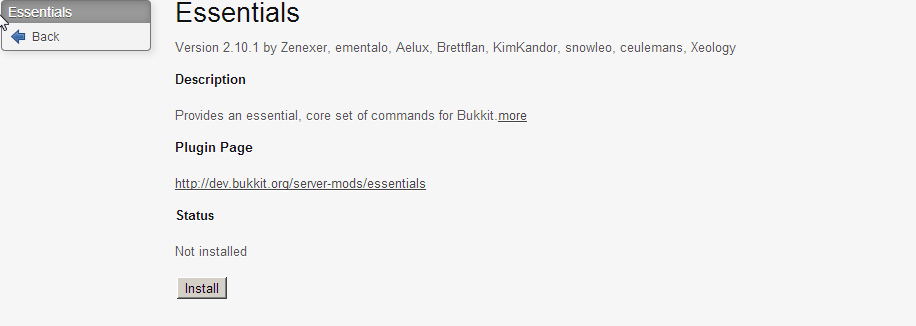
- Open up the link, and find the plugin you wish to install. I am trying to install "Essentials" in this.
- Find the Plugin and then Open it up, and click "Install".
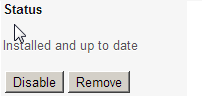
- You will then recieve the message from "Install" to "Installed"
- To remove the Plugin, click "Remove" and it will be uninstalled from your server, you could also access the FTP and make sure your server is Stopped and delete them by going into /plugins and deleting "Essentials.jar", and it's other plugins it came with. You can also use the "Plugin Page" link to manually install the plugin.
Bu cevap yeterince yardımcı oldu mu?
Also Read
Powered by WHMCompleteSolution